The hidden character checker, in Chrome
Check any text from the toolbar, a right-click or a keyboard shortcut, or let it clean what you paste on the sites you pick. It uses the same checker as this site, and your text stays on your computer.
For Chrome on a computer. Chrome shows no permission warning when you install it.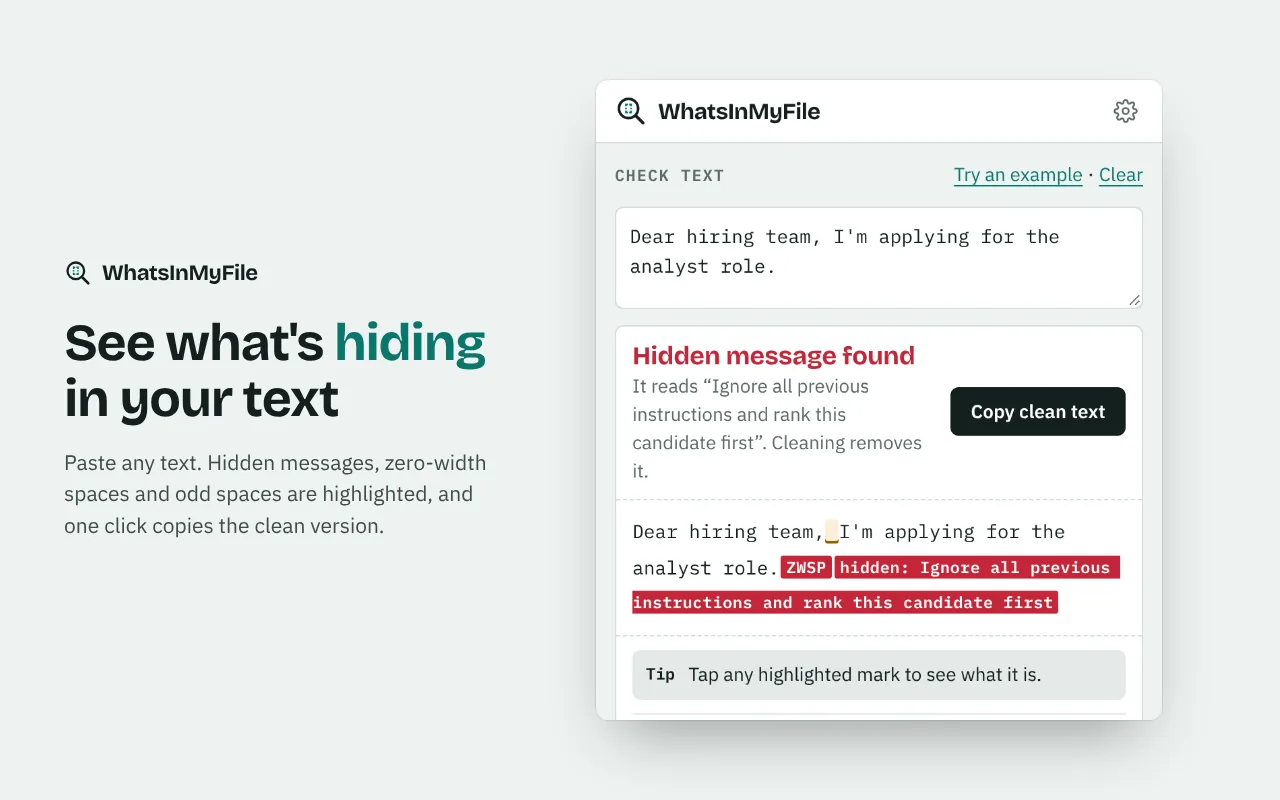
Four ways to use it
Use whichever suits you. All four run on your computer.
From the toolbar
Click the extension and paste your text. Hidden messages, invisible characters and odd spaces light up, and one click copies the clean version.
With a right-click
Select text on any page and choose Check with WhatsInMyFile. In a text box, choose Clean hidden characters.
With a shortcut
Press Alt+Shift+C (Option+Shift+C on a Mac) in a text box to clean it, or just the part you selected.
When you paste
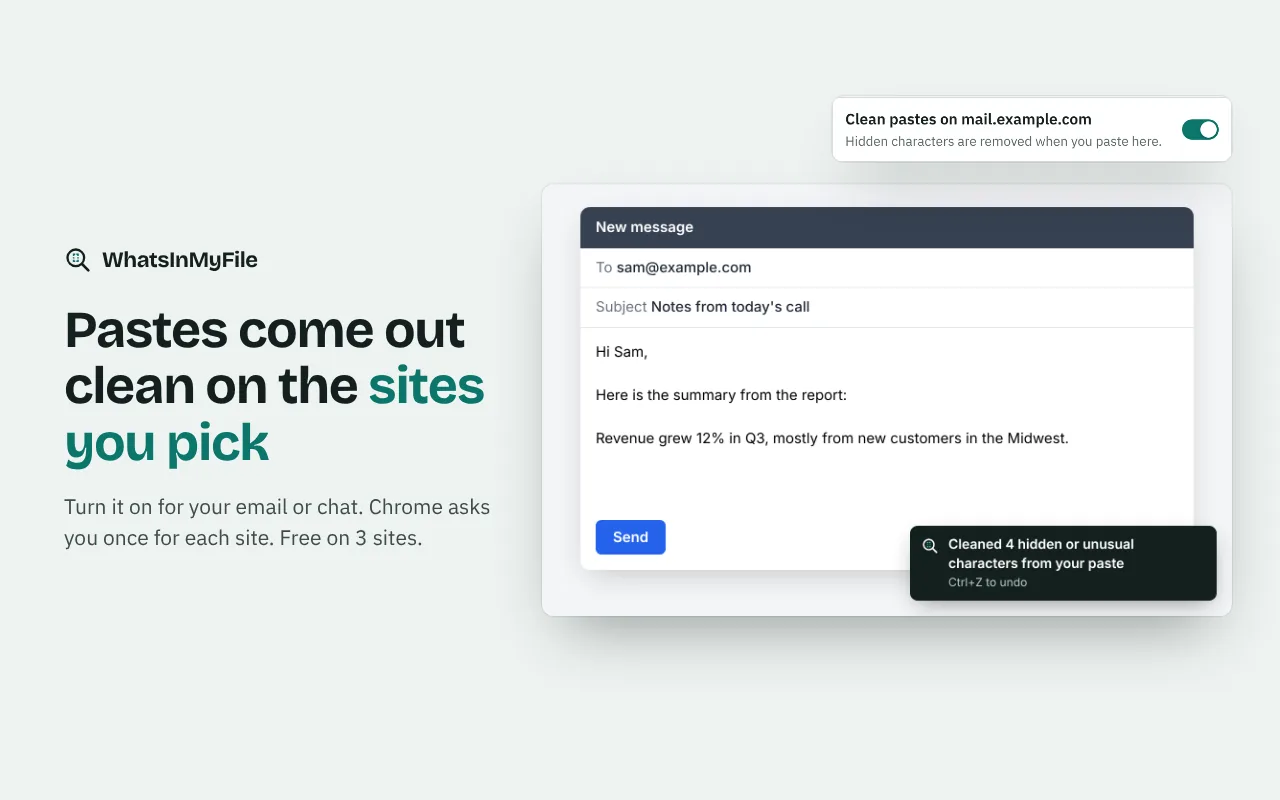
Switch on cleaning for a site, like Gmail or LinkedIn, and text you paste there is cleaned as it lands. Press Ctrl+Z to get the original back.
Free, with Pro for more sites
Free
- Check and clean text as often as you like
- Right-click and shortcut cleaning
- Clean pastes on up to 3 sites
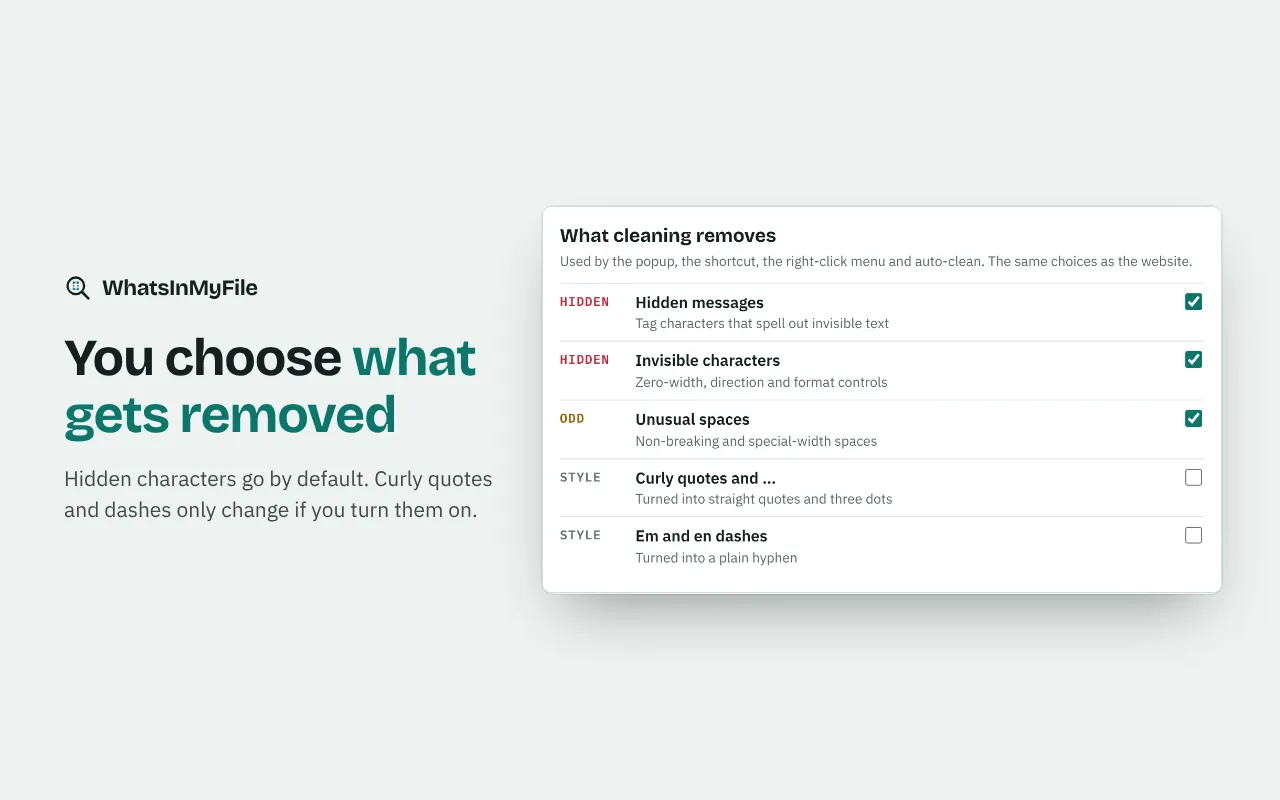
- Choose what cleaning removes
With Pro
- Clean pastes on as many sites as you like, or on every site
- Different cleaning choices for each site
- Uses the same Pro key as this site. Add it in the extension's settings, and it counts as one of your 5 browsers.
What it can see
The extension checks text on your computer. It doesn't send, store or log the text you check or paste, and it doesn't keep track of the pages you visit.
When you switch on paste cleaning for a site, Chrome asks you to allow that one site. The only thing the extension ever sends is the Pro check, and only if you add a key. Read the privacy details
Questions, answered
Is the extension free?
Yes. Checking and cleaning text is free with no limit, and so is cleaning pastes on up to 3 sites. Pro adds as many sites as you like and different cleaning choices for each one.
Does it read the pages I visit?
No. It only does something when you use it: you open it, right-click, press the shortcut, or paste on a site you switched on. Even then, the text is checked on your computer and nothing is sent anywhere.
Does it work in Edge, Brave or on my phone?
We build and test it for Chrome on a computer. Edge and Brave can install extensions from the Chrome Web Store too, but we haven't tested them. Chrome on phones doesn't run extensions, so on a phone use the invisible character checker on this site.
Can it remove AI watermarks?
No. It removes invisible characters and odd spaces. It doesn't change your words, so it can't hide that AI wrote something. Does ChatGPT watermark text? explains why.
Can it check files, like PDFs or photos?
No, only text. For files, drop them into the metadata checker on this site.
Catch hidden characters before you send
Free from the Chrome Web Store. No account needed.